
If you’re attending a Zoom webinar and want to disable chat notification pop-ups, follow these simple steps:
Instructions:
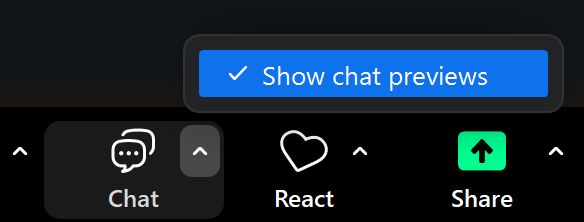
- In the Zoom menu toolbar at the bottom of the webinar, click on the carat (^ symbol) next to the Chat button.
- Uncheck “Show chat previews”
 Note: This setting only affects your view and won’t impact other participants’ chat notifications.